One More Lawn Low FPS and Stutter: Fixes That Help
Fix One More Lawn stutter and low frame rate: grass settings, GPU drivers, laptop power, overlays, co-op load and the flashing-screen report.
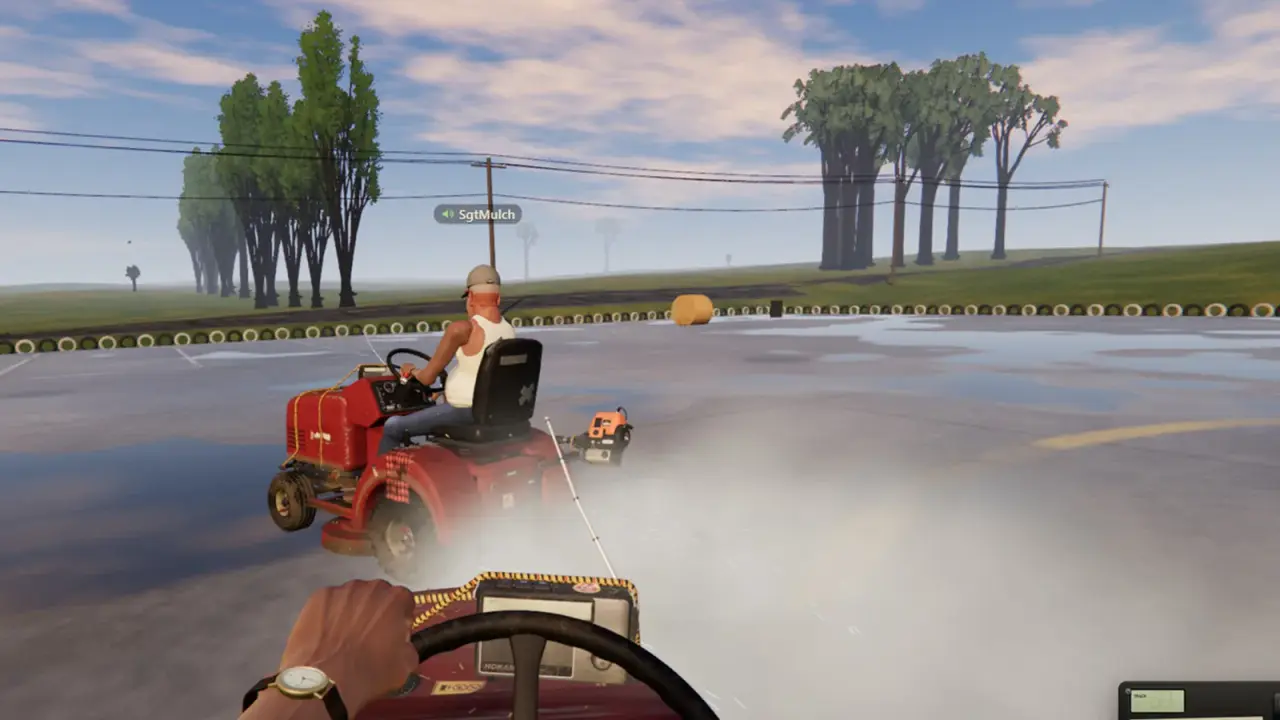
One More Lawn is a small game, but it simulates a lot of grass. Some players with strong PCs have reported poor performance, including one report of flashing yellow and blue while moving. Others run it fine. This guide starts with the settings and system causes that actually change frame rate, then covers the reports that need a different fix.
First: is it low FPS or stutter?
They feel similar and have different causes.
Low FPS means the frame rate is consistently below your target. The image is slow but smooth.
Stutter means the frame rate is mostly fine but hitches. The image freezes for a moment, then catches up.
Flashing or artefacts mean the image shows colours or shapes that should not be there. That is usually a GPU or driver problem, not a settings problem.
Identify which one you have before changing anything. The fix paths diverge.
The settings that matter most
The grass is the main cost. Settings that reduce grass density or shadow work will help the most.
Look for:
- Grass density or draw distance. The biggest lever.
- Shadows. Grass shadows are expensive.
- Anti-aliasing. Lower it if you are GPU-bound.
- Resolution. Drop to 1080p or use a resolution scale.
- Effects quality. Water, dust and particles add up.
- VSync. Turn it off for testing; use a frame cap instead.
Change one setting at a time and test in the same area. A benchmark in the front yard is not the same as six players on the golf course.
An uncapped frame rate can make a GPU run hot and throttle. Cap to 60 or 72 FPS and see whether the stutter improves.
GPU drivers
A clean driver install fixes more artefacts than any in-game setting.
- Download the latest driver for your GPU.
- Use the vendor's clean install option.
- Reboot.
- Test the game before reinstalling overlays.
If you see flashing yellow or blue, do not ignore it. That is often a driver, VRAM or cable issue. Try:
- A different driver version.
- A lower resolution to see whether VRAM is the limit.
- A different cable or port.
- Checking the GPU temperatures.
If the artefacts appear only in this game, report them with your GPU model and driver version. If they appear in other games, the hardware is the suspect.
Laptop power and thermals
A laptop on battery is not the same machine as a laptop plugged in.
- Plug in the charger.
- Set Windows to Best Performance.
- Confirm the game uses the discrete GPU.
- Clean the vents.
- Raise the laptop for airflow.
If the frame rate starts fine and drops after ten minutes, thermal throttling is likely. Check the CPU and GPU temperatures.
Overlays and background apps
Overlays can cause stutter, especially in a game that is already CPU-heavy.
Test with these disabled:
- Steam overlay.
- Discord overlay.
- GeForce Experience overlay.
- Xbox Game Bar.
- Recording software.
- RGB and fan-control utilities.
If the stutter disappears, re-enable them one at a time.
Co-op is heavier than solo
Six mowers, six radios and proximity voice add CPU and network load. If solo is fine and co-op stutters, the host's CPU or upload is the limit.
Try:
- Fewer players.
- A wired host connection.
- Closing background downloads.
- Lowering grass settings for the whole lobby, not just the host.
The multiplayer troubleshooting page→ covers network-side stutter.
Storage and load stutter
If the game hitches when you drive into a new area, the storage drive may be the cause. Move the install to an SSD and verify the files.
Mechanical drives are fine for a 2 GB game, but they are slower on the first load and on streaming new sections.
Verify the game files
A corrupted install can cause both stutter and crashes.
- Open Steam.
- Right-click One More Lawn.
- Open Properties.
- Go to Installed Files.
- Choose Verify integrity of game files.
Let it finish, then test. If it finds broken files, verify again after the repair.
Windows and driver hygiene
- Update Windows.
- Update the GPU driver.
- Update the chipset driver on a laptop.
- Disable Game Mode if it causes problems; test both ways.
- Check for a pending reboot.
A pending Windows update can leave the system in a strange state. Reboot before a long session.
When nothing helps
If you are below the minimum specs, no setting will make the game run well. Check the system requirements→ and compare your CPU and GPU.
If you are above the recommended specs and still stutter, report it. Include:
- CPU, GPU, RAM.
- Driver version.
- Resolution and settings.
- Solo or co-op.
- Whether the stutter is constant or area-specific.
- Whether artefacts appear.
The developer reads the Steam discussions. A clear report is more useful than a refund rant.
Official source: One More Lawn store page ↗ - the official minimum and recommended specs, including the 1080p 60 FPS high target.
FAQ
Why does One More Lawn stutter on a good PC?
The grass simulation is CPU-heavy. Check for a CPU bottleneck, overlays, thermal throttling and a pending driver update.
What setting helps FPS the most?
Grass density and shadows. Lower them first.
Why do I see flashing yellow and blue?
That is usually a GPU driver or hardware artefact. Clean-install the driver, check temperatures and test another game.
Is co-op harder to run?
Yes. Six players add CPU and network load. Test solo first.
Does the game need an SSD?
No, but an SSD reduces load stutter.
Will a future patch fix performance?
Superdou has acknowledged bug reports. No specific performance patch has been announced.
Sources
- One More Lawn store page ↗ - official specs and target frame rate.
- Steam community discussion: performance ↗ - player reports, including the flashing-screen case.
- Steam Support: verify files ↗ - the standard repair step.
- NVIDIA driver downloads ↗ - GPU drivers.