One More Lawn Multiplayer: How to Host a 6-Player Yard
How One More Lawn co-op works: host a six-player yard, send Steam invites or a six-digit code, set up voice chat and avoid the demo pool trap.
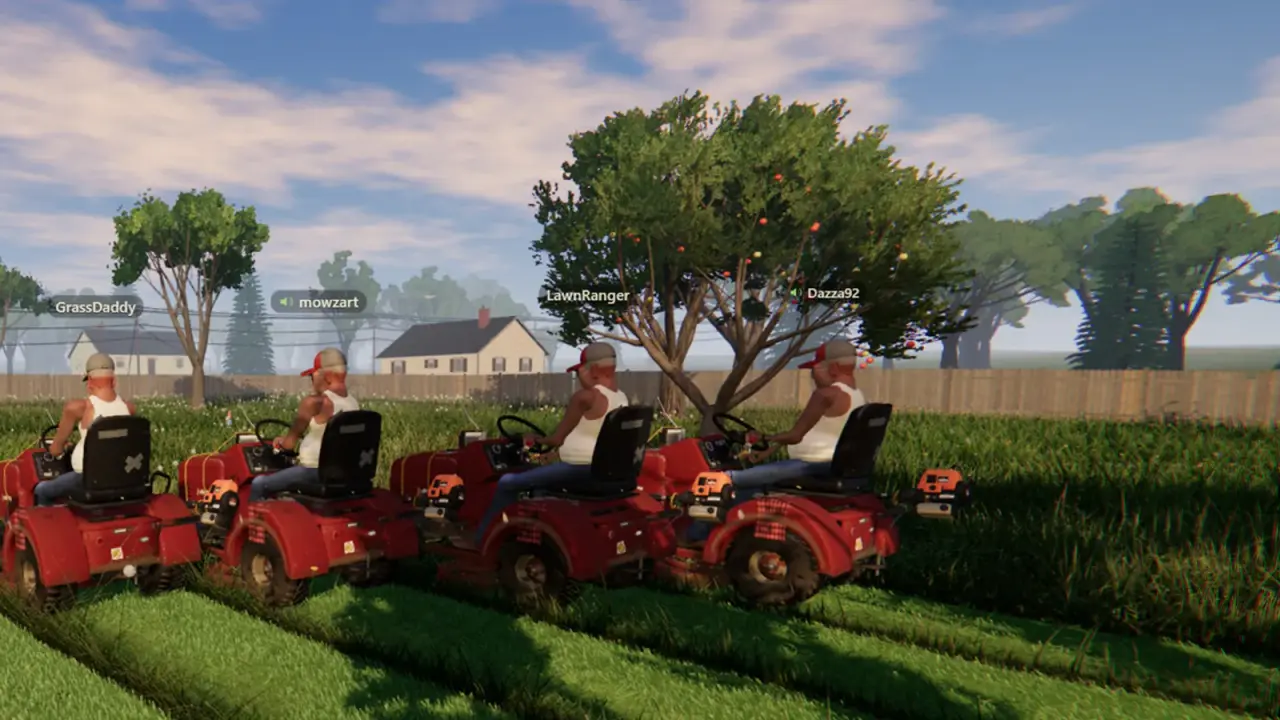
One More Lawn co-op supports up to six players, each on their own mower. You can join through a Steam invite or a six-digit code, talk through proximity voice, and optionally share local music. There is no lobby browser, no dedicated server and no crossplay announcement. This guide covers the setup that works and the traps that make a lobby look broken.
What you need
- One More Lawn, demo or full game, installed on every machine.
- A Steam account for each player.
- Everyone on the same build. Demo players can only join demo players.
- A host with a stable connection. Co-op is host-based, so the host's upload matters.
You do not need a separate server, a subscription or a port-forward for a normal Steam-invite session. If you are trying to join across networks and the invite fails, the troubleshooting page→ starts with the checks that actually matter.
Hosting: the short version
- Launch One More Lawn and load into the yard or the main menu, depending on the build.
- Open the multiplayer or lobby option.
- Choose to host a game.
- Pick the job and any lobby settings.
- Invite friends through Steam, or copy the six-digit code.
- Wait for everyone to load before starting the job.
The exact menu labels may differ between the demo and the full game. The order does not: host first, then invite, then start. Starting the job before the lobby is full is the most common way to leave someone behind.
A six-digit code is easy to mistype and easy to miss. Paste it once in the group chat, then ask everyone to confirm they are in before you start the engine.
Joining: invite versus code
There are two join paths, and they fail for different reasons.
Steam invite. The host sends an invite through the Steam friends list. The invite opens the game and connects directly. This is the most reliable path when both players are Steam friends and online.
Six-digit code. The host shares a short code. The guest enters it in the join menu. This is useful when you are not Steam friends, but it depends on the host's lobby still being open and the code being current.
If one path fails, try the other before you start changing network settings. A failed invite is often a Steam presence issue, not a game issue.
Voice chat is proximity-based
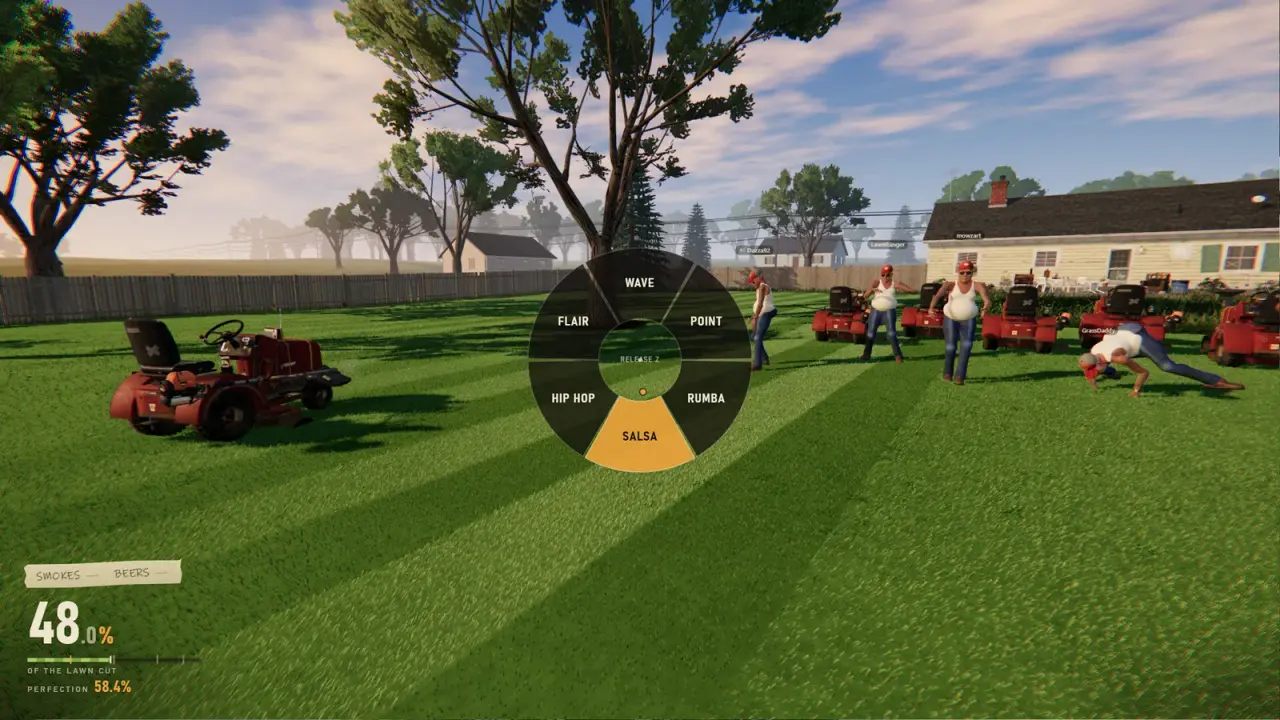
The game uses proximity voice chat. Players close to each other hear each other; players across the property fade out. That is a design choice, and it is part of the comedy. It is also useless for coordinating a six-mower route across a golf course.
The practical setup:
- Use game voice for atmosphere and short-range chatter.
- Use an external call for route planning if you are playing seriously.
- Check your input device before you host. A lobby with a dead microphone is worse than no voice.
There is no confirmation of push-to-talk or voice activation options. If the game offers them, set them before the job starts, not halfway through.
Shared Music needs consent
Shared Music lets the host share local audio with the lobby. It is off by default. When enabled, both the host and the listener have to agree, and the files are not uploaded to a server.
This is a nice feature for a group of friends and a bad idea for a public lobby. Music can be copyrighted, and streaming it can trigger a claim. Streamer Mode disables shared music, which is the correct setting if you are broadcasting.
The custom radio guide→ covers local audio, consent and streamer rules in detail.
Six players, one lawn: a route that works
Six mowers on a small lawn is chaos. On a large property, it is an opportunity. The division that works best:
| Player count | Assignment |
|---|---|
| 2 | One cuts the perimeter, one cuts the interior |
| 3 | Perimeter, interior, trimmer edges |
| 4 | Split the property into two halves, each with a mower and a trimmer |
| 5-6 | Two teams of two or three, one team per job section |
The host should assign sections before the job starts. Six players following the same stripe is funny for thirty seconds and then everyone is in each other's way.
On the golf course, assign surfaces rather than halves. Greens, fairways and bunkers need different tools and different heights. On the island, one player should own the ferry logistics so the mowers do not queue at the dock.
The demo pool trap
The demo is a separate app from the full game. Demo players can only join other demo players. After November 12, a friend who buys the full game may not be able to join your demo lobby, and you may not be able to join theirs.
Before launch, decide who is buying and who is staying on the demo. If the group is split, plan two sessions rather than promising a mixed lobby that may not exist.
Official source: One More Lawn demo announcement ↗ - "In the demo you play with other demo players."
Hosting etiquette that saves the job
Do not start the job until everyone is loaded. A player who joins mid-job may spawn at the start or miss the briefing.
Do not change the deck height for the whole group. Each player sets their own mower. A host who lowers the deck for a golf green can leave a teammate scalping a fairway.
Do not share music without asking. Consent is built into the feature for a reason.
Do not quit to menu to "fix" lag. A host migration is not confirmed. If the host leaves, the lobby may end. Try a reconnect first, and read the multiplayer troubleshooting page→ before you pull the plug.
What is not in the game
- No dedicated servers. Co-op is host-based as far as we can tell.
- No crossplay. No console version has been announced.
- No lobby browser. Invites and codes are the join paths.
- No confirmed host migration. Assume the host leaving ends the session.
- No confirmed mod support beyond Workshop maps. Do not expect gameplay mods.
FAQ
How many players can play One More Lawn co-op?
Up to six, including the host. Each player drives their own mower.
How do I join a friend's game?
Use a Steam invite or the host's six-digit code. If one fails, try the other.
Can demo and full-game players play together?
That has not been confirmed. The demo currently pools demo players together.
Is there proximity voice chat?
Yes. Players close to each other hear each other, and distant players fade out.
Can I share my own music?
Yes, through Shared Music, with consent from the host and listener. It is off by default.
Does the host need to port-forward?
A normal Steam-invite session should not require it. If invites fail across networks, check the troubleshooting page before changing router settings.
Sources
- One More Lawn store page ↗ - co-op player count and features.
- One More Lawn demo ↗ - demo pool and join behaviour.
- Steam community discussions ↗ - player reports on co-op.
- Steam Support: games do not run ↗ - connection and launch checks.