One More Lawn Steering Wheel Setup: Force Feedback Guide
Set up a force-feedback wheel for One More Lawn: driver order, pedal calibration, steering lock, button mapping and the fixes for a dead wheel.
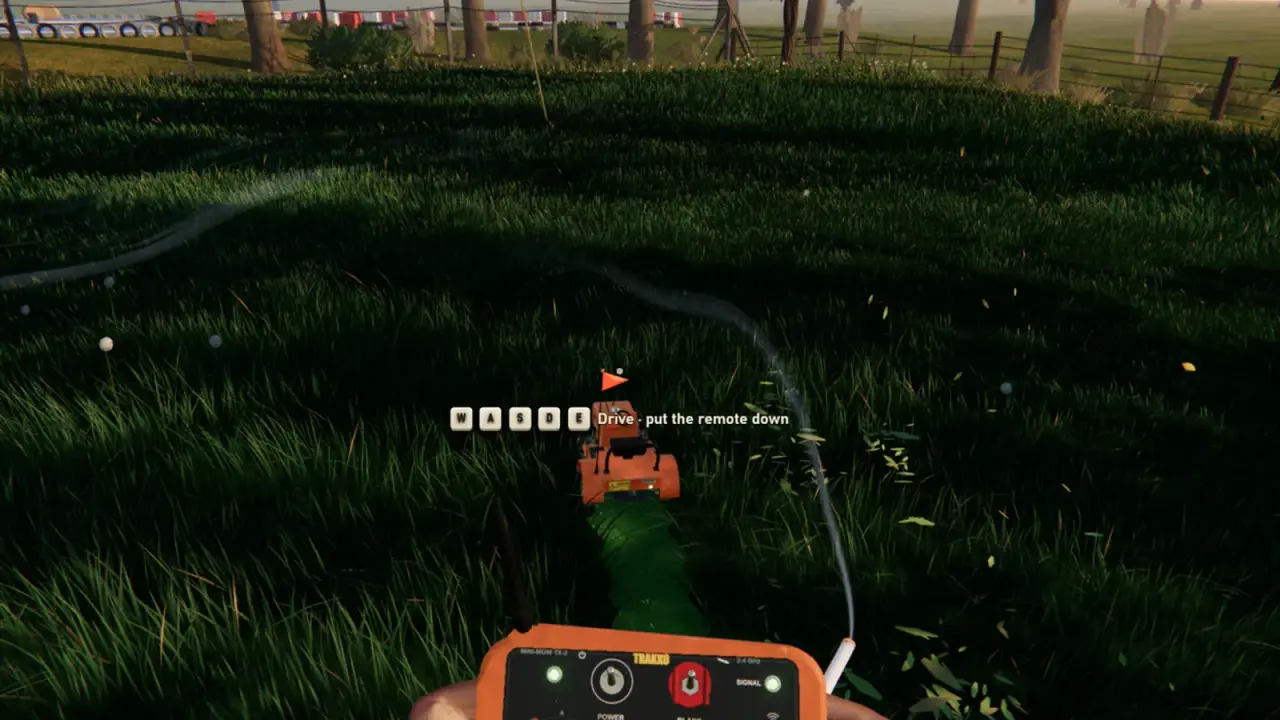
One More Lawn supports force-feedback steering wheels, including DirectInput hardware such as the Logitech G29. That is a small miracle for a lawn-mowing game, and it changes the feel completely. This guide covers the setup order, the settings that matter and the fixes when the wheel is detected but the mower does not move.
What is supported
The store page confirms:
- Force feedback.
- DirectInput wheels.
- Pedals.
- Logitech G29-class hardware.
It does not publish a full compatibility list. If your wheel works in another DirectInput racing game, it has a good chance here. If it is a console-only wheel with no PC driver, it probably will not.
| Wheel type | Likely support | Notes |
|---|---|---|
| Logitech G29 / G920 | Yes | Confirmed class; install Logitech software |
| DirectInput wheels with FFB | Likely | Check the driver and the game's input list |
| Xbox-style gamepad | Yes | Full controller support |
| Keyboard | Yes | Works, but digital steering is clumsy |
| Console-only wheel | Unlikely | Needs a PC driver and an adapter |
Setup order
The order matters more than the settings.
- Install the wheel software first. For Logitech, that is G HUB or the legacy profiler, depending on the model.
- Connect the wheel and pedals. Use a powered USB hub if the wheel has a heavy FFB motor.
- Calibrate in Windows. Confirm the wheel turns lock to lock and the pedals report full travel.
- Open the wheel software and set a sensible rotation. Start with 900 degrees or the software default.
- Launch Steam and check the controller. The wheel should appear as a controller.
- Launch the game. Test steering, throttle and brake in the front yard.
- Adjust force feedback strength. Start low; a lawn mower is not a race car.
Do not run the wheel through a generic gamepad template if the game recognizes it natively. A template can map the wheel as a stick and kill the force feedback.
Force feedback: what to expect
The mower is not a sports car. The FFB should communicate:
- The weight of the steering.
- Resistance when the deck loads up in tall grass.
- A kick when you hit a fence or a gnome.
- Terrain rumble on rough ground.
If the wheel feels dead, check the game's FFB setting and the wheel software's strength. If it feels like a jackhammer, lower the strength and the effects.
A strong wheel can be tiring over a long job. The mower is a slow vehicle; light resistance is more realistic than a racing setup.
Pedals and dead zones
The throttle and brake should have a little dead zone at the top and bottom. Without it, the mower may creep when you are not pressing anything, or the brake may not fully release.
In the wheel software:
- Set a 2–5% dead zone on the throttle.
- Set a 2–5% dead zone on the brake.
- Confirm the clutch, if present, is not mapped to something important.
- Test the pedal travel in the game's input screen if one exists.
If the mower accelerates on its own, the throttle pedal is the first suspect.
Steering lock and sensitivity
A 900-degree rotation is a good starting point. A lower rotation, such as 540 or 360, makes the mower twitchy. A higher rotation makes tight turns a workout.
The mower's turning circle is wide. You need enough lock to navigate a garden gate, but not so much that a small correction sends you into a fence.
If the game exposes a steering sensitivity slider, adjust it in small steps. Test in the front yard, where there is room to recover.
Button mapping
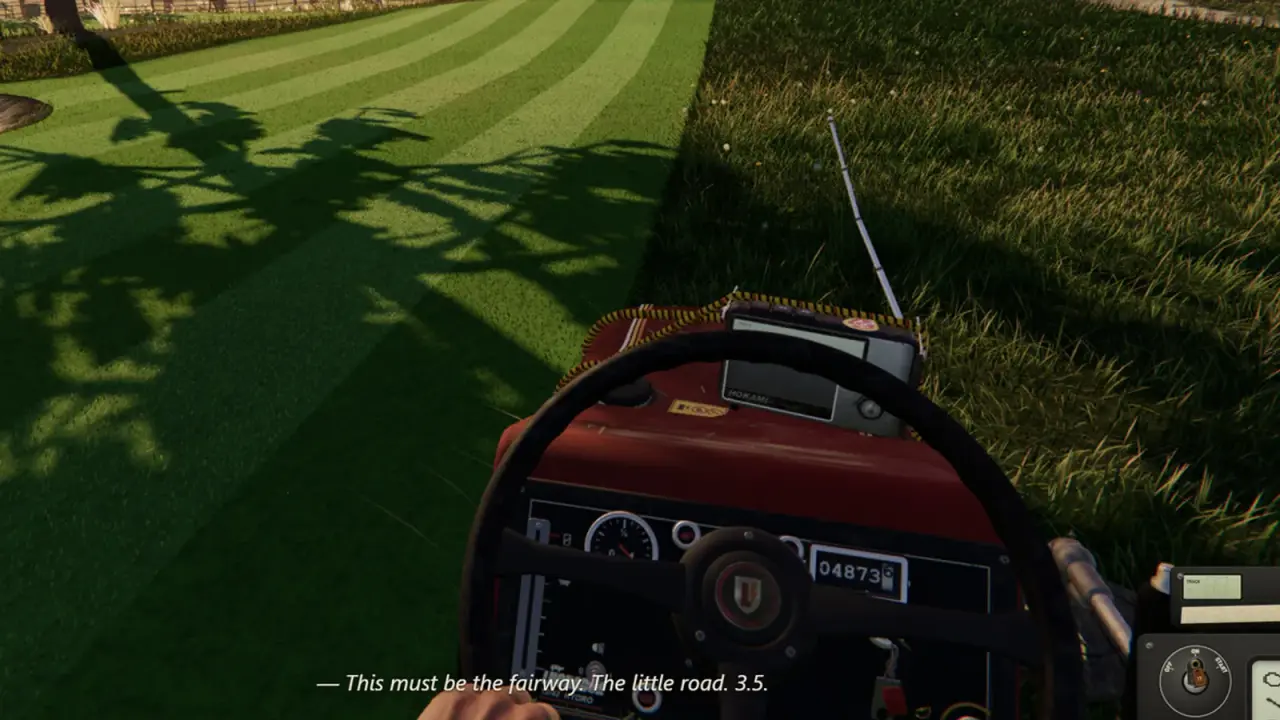
A wheel has buttons, but not as many as a gamepad. The confirmed dashboard actions include the start sequence, blades, deck height, lights and radio.
Map the essential actions first:
- Start engine.
- Blade engagement.
- Deck height up.
- Deck height down.
- Radio or lights.
- Pause.
If the wheel has paddle shifters, use them for deck height. That is more intuitive than reaching for a button on the base.
The exact mapping screen is not confirmed. Use the game's input options if they exist; otherwise, map at the wheel-software level.
Troubleshooting
The wheel is detected but the mower does not steer. Check that the game is using the wheel, not a gamepad template. Test the wheel in another game.
The pedals are inverted. Swap the axis in the wheel software or the game's settings.
Force feedback is absent. Confirm the wheel's power supply, the driver and the in-game FFB setting. Some wheels disable FFB on USB hubs.
The wheel pulls to one side. Recalibrate the center point. Check for a stuck axis.
The game crashes when the wheel is connected. Unplug other input devices and read the crash guide→.
The frame rate drops with FFB. FFB can add CPU load. Lower the effects or read the low FPS guide→.
The demo does not recognize the wheel buttons. The demo has partial controller support. The full game has full support.
Wheel versus gamepad for this game
A wheel is more immersive, but it is not automatically better. Mowing is slow, and a wheel can make long jobs tiring. A gamepad lets you slouch.
Use a wheel if:
- You already own one.
- You want the physical dashboard to feel real.
- You play in short sessions.
- You have space for pedals.
Use a gamepad if:
- You play on a couch.
- You want the simplest setup.
- You share the PC with other players.
- You do not want to bolt a wheel to a desk.
The controller guide→ covers the gamepad path.
What is not confirmed
- A full wheel compatibility list.
- In-game button remapping.
- Separate FFB strength sliders.
- Clutch support.
- H-pattern shifter support.
Treat any guide with exact menu names as provisional until the full game is out.
Official source: One More Lawn store page ↗ - the store confirms force-feedback wheel and pedal support, including DirectInput wheels.
FAQ
Does One More Lawn support steering wheels?
Yes. Force-feedback wheels and pedals are supported, including Logitech G29-class hardware.
Is force feedback supported?
Yes. The store lists force feedback.
Can I use a G29?
Yes. It is the confirmed class of DirectInput wheel.
Do I need to use Steam Input?
Not necessarily. If the game detects the wheel natively, use that. Steam Input is a fallback.
Why does my wheel not steer?
Check the driver, the input device selection and the Steam Input template. Test the wheel in another game to isolate the problem.
Does the demo support wheels?
The demo has partial controller support. The full game has full support, which is the safer choice for wheel buttons and menus.
Sources
- One More Lawn store page ↗ - wheel, pedal and force-feedback support.
- Logitech support ↗ - G29 and G920 drivers.
- Steam Input documentation ↗ - controller and wheel templates.
- Steam community discussions ↗ - player reports on input devices.