One More Lawn Steam Workshop: Publish and Install Maps
How One More Lawn Workshop maps should work: publishing from the editor, subscribing, finding maps in-game and fixing the usual download failures.
Steam Workshop support is confirmed for the full game. The map editor can publish, and players can subscribe. What is not public is the exact upload screen, the file size limit or how the game lists subscribed maps. This guide separates the confirmed workflow from the parts you will have to discover on launch day, and it gives you a clean process either way.
What Workshop support means here
Workshop is for maps, not gameplay mods. The editor builds lawns; Workshop distributes them. There is no announcement of script mods, new mowers or new tools. If you see a video promising a "modded mower", treat it as unverified.
The confirmed pieces:
- The full game includes a map editor.
- The editor can publish to Steam Workshop.
- Players can subscribe to Workshop items.
- The Workshop hub is tied to app 5378110.
That is the whole confirmed surface. Everything else, including load order and map size, is unknown.
The demo does not include the editor or Workshop. You need the full game to publish or use custom maps.
Publishing a map: the clean sequence
The exact buttons are unknown, but the order should be:
- Finish the map in the editor. Do not publish a work in progress unless you mark it clearly.
- Test Drive it. Check the route, the mower clearance and the frame rate.
- Test it in co-op if the game allows custom maps in multiplayer. A map that works solo can break with six mowers.
- Prepare the store page. Name, short description, one good screenshot.
- Publish through the editor's Workshop option.
- Check the item on the Workshop hub. Confirm the thumbnail, description and visibility.
- Subscribe from a second account and verify the download.
A published map is not finished until someone else can install it. Testing your own subscription on the same machine can hide a missing file.
What to put in the description
The Workshop description is your map's manual. Include:
- Player count. Solo, co-op or both.
- Difficulty. Relaxed, precision, timed or chaotic.
- Job type. Front yard, backyard, golf, island or custom.
- Estimated time. Ten minutes or an hour.
- Required tools. Trimmer, golf club, boat, none.
- Known issues. A tight gate, a prop that clips, a slope that slips.
A screenshot of the route is more useful than a screenshot of the sunset. Show the player where they will mow.
Subscribing and finding maps
Subscription is handled by Steam. After you subscribe, Steam downloads the item. The game then needs to expose it somewhere, most likely in the host or job menu.
If you cannot find a subscribed map:
- Confirm the subscription finished in Steam.
- Restart the game.
- Check the host menu for a custom or Workshop section.
- Check that the map is for the full game, not a demo.
- Unsubscribe and resubscribe to force a fresh download.
- Verify the game files in Steam.
Do not move files into the game folder manually. Workshop items are managed by Steam, and manual copies can break updates.
Missing maps after an update
A game update can change the editor format or the Workshop item schema. When that happens, older maps may need an update from their author.
If a map disappears:
- Check the Workshop item page for an update notice.
- Check the game's patch notes.
- Ask the author in the Workshop comments.
- Test a different map to see whether the problem is one item or all Workshop content.
This is normal for user-generated content. It is not a reason to avoid Workshop; it is a reason to keep a favourite local copy if the editor allows it.
Co-op and custom maps
Custom maps and co-op are a likely combination, but not a confirmed one. The safe plan:
- Test the map solo first.
- Test it with two players.
- Then try the full group.
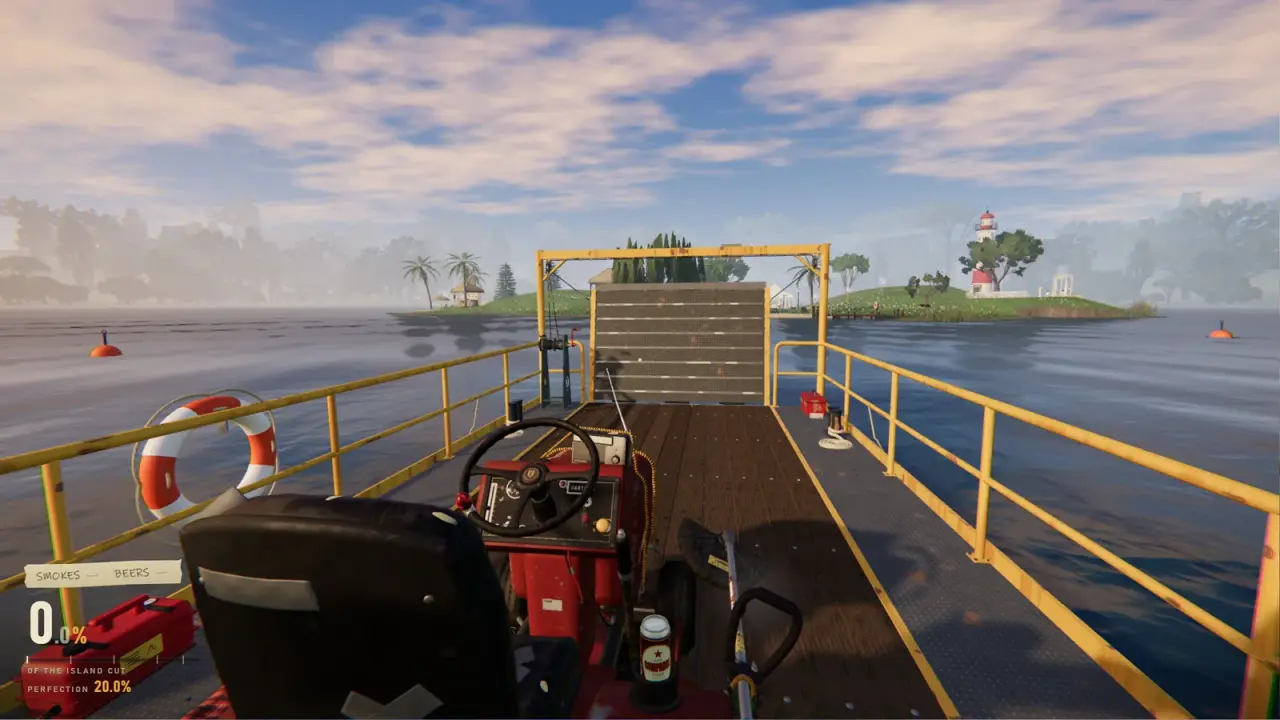
Six mowers need more space than one. A map designed for a solo run may have gates that become a traffic jam with six players. If the map has a narrow bridge or a single ferry, expect a queue.
The multiplayer guide→ covers host setup and the six-player route plan.
Workshop etiquette
Credit the original author. If you remix a map, say so.
Do not re-upload someone else's map. Subscribe, do not steal.
Mark unfinished maps. A "beta" or "WIP" tag saves players time.
Keep descriptions honest. If the map is a joke, say it is a joke. If it is hard, say it is hard.
Do not demand updates. Most Workshop authors are players, not studios.
What Workshop cannot do
- Add new mower models. The game has one mower.
- Add new jobs to the official campaign. Custom maps are separate content.
- Change the core rules. There is no confirmed scripting layer.
- Bypass the demo. The demo has no editor or Workshop.
- Guarantee co-op compatibility. Test before you plan a session.
If a Workshop item claims to do any of these, check the comments before subscribing.
Official source: One More Lawn store page ↗ - the map editor and Steam Workshop are listed as full-game features.
A first-map checklist
Before you publish, run this list:
- The mower can reach every area.
- The route has a clear start and finish.
- No prop blocks the only path.
- Water is recoverable.
- Gnomes are placed intentionally.
- The map runs smoothly in Test Drive.
- The description states player count and difficulty.
- The screenshot shows the route.
- A second account can subscribe and load it.
If any box is unchecked, fix it before publishing.
FAQ
Does the demo support Workshop?
No. The editor and Workshop are full-game features.
Can I publish maps without the editor?
No. Maps are built in the editor.
Can I use Workshop maps in co-op?
That has not been confirmed. Test it after launch.
Why is my subscribed map missing?
Restart the game, confirm the subscription finished, and check the host menu for a custom section. If it still missing, verify the game files.
Can I install Workshop maps manually?
Do not. Steam manages the files. Manual copies can break updates.
Are there gameplay mods?
No gameplay mods have been announced. Workshop is for maps.
Sources
- One More Lawn store page ↗ - editor and Workshop features.
- Steam Workshop for One More Lawn ↗ - the game's Workshop hub.
- Steamworks Workshop documentation ↗ - how Workshop publishing and subscriptions work.
- Steam Support: verify game files ↗ - the standard repair step.