One More Lawn System Requirements: Can Your PC Run It?
The official One More Lawn PC requirements, what they mean in practice, and the upgrades that matter if you are below the minimum or chasing 60 FPS.
One More Lawn is not a hardware monster. The official minimum is an older quad-core and a GTX 960, and the recommended build targets 1080p at 60 FPS on high. That does not mean every PC will run it well. The game simulates a lot of grass, and a weak CPU can bottleneck the mower even when the GPU is fine. This page breaks down the official specs and what they mean in practice.
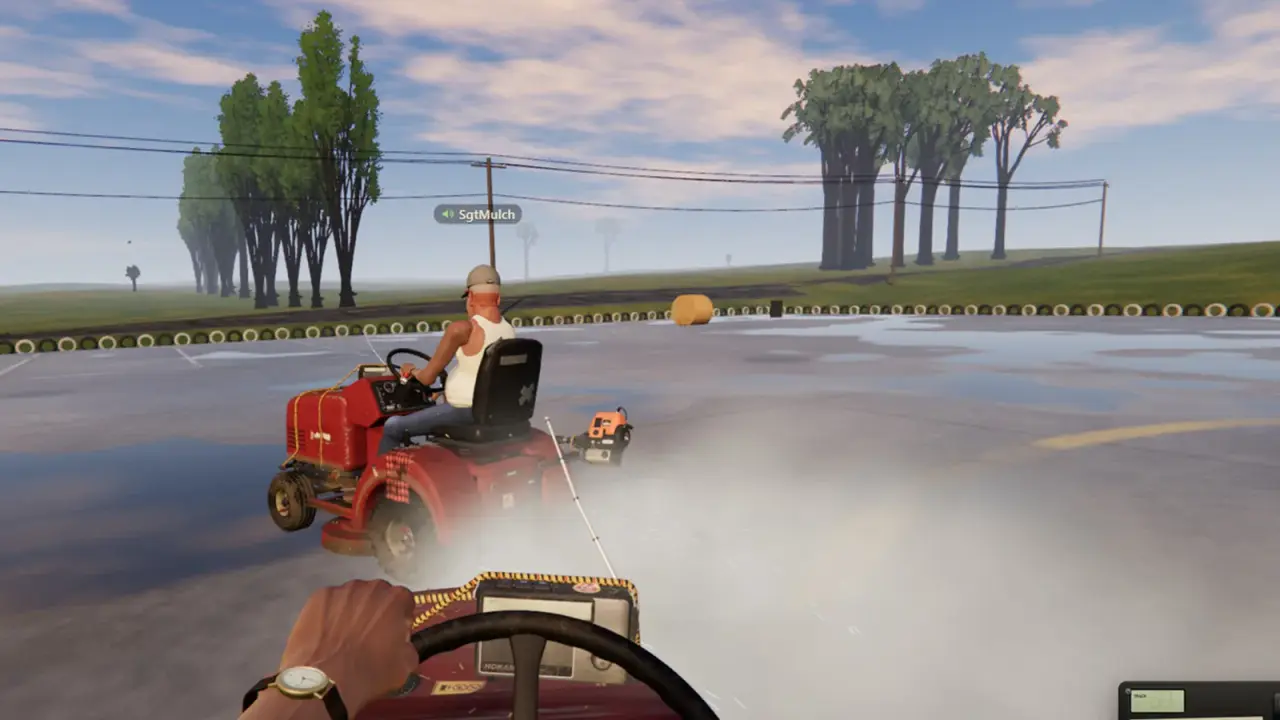
The grass simulation is CPU-heavy. A newer six-core CPU helps more than a GPU upgrade in this game.
The official requirements
| Component | Minimum | Recommended |
|---|---|---|
| OS | Windows 10 64-bit | Windows 10/11 64-bit |
| CPU | Intel Core i5-4460 / AMD Ryzen 3 1200 | Intel Core i5-8400 / AMD Ryzen 5 2600 |
| RAM | 8 GB | 16 GB |
| GPU | NVIDIA GTX 960 / AMD RX 460, 2 GB | NVIDIA GTX 1060 6 GB / AMD RX 580 |
| DirectX | 11 | 11 |
| Network | Broadband | Broadband |
| Storage | 2 GB | 2 GB |
| Target | 1080p low / 720p medium | 1080p 60 FPS high |
The storage figure is small. The game is not shipping with 4K textures or a massive audio library. That is consistent with the art style.
What the minimum actually means
The minimum is a playable target, not a promise of 60 FPS. At 1080p low, the GTX 960 and RX 460 are doing real work. Expect:
- 30–60 FPS depending on the lawn.
- Dips when a lot of grass is being cut at once.
- Longer load times on a mechanical hard drive.
- Acceptable visuals, but not the full effect.
If you are on a laptop with an integrated GPU, you are below the minimum. The game may launch, but the experience will be poor.
What the recommended build gets you
The recommended build targets 1080p at 60 FPS on high. The i5-8400 and Ryzen 5 2600 are six-core CPUs, which helps with the grass simulation and the co-op networking. The GTX 1060 6 GB and RX 580 are 1080p cards.
At this level, you should expect:
- A stable 60 FPS in single-player.
- Some dips in six-player co-op with a lot of effects.
- Fast load times on an SSD.
- Room to raise settings above high on a newer GPU.
CPU versus GPU
The grass is the unusual part. Every blade that bends is a small simulation cost. That cost lands on the CPU as much as the GPU.
Signs of a CPU bottleneck:
- The GPU is not at 100% but the frame rate is low.
- The game stutters when many blades are cut.
- Co-op is worse than solo.
- Lowering resolution does not help much.
Signs of a GPU bottleneck:
- The GPU is at 100%.
- Lowering resolution raises the frame rate.
- The game looks blurry at low settings but runs better.
If you have to upgrade one part, a modern six-core CPU is the safer bet for this game. A GPU upgrade helps too, but the simulation is the differentiator.
Laptop considerations
Laptop CPUs with the same name as desktop parts are often slower. A laptop RTX 3060 is not a desktop RTX 3060. Check the wattage and the cooling.
For a laptop:
- Plug in the charger. Battery mode may throttle the GPU.
- Set the Windows power plan to performance.
- Make sure the game uses the discrete GPU, not the integrated one.
- Keep the vents clear.
If the laptop has only integrated graphics, do not buy the game expecting a miracle. The low FPS guide→ has settings that help, but they cannot add hardware.
Steam Deck and handhelds
Valve has not confirmed Steam Deck verification for One More Lawn. The game is a Windows title with controller support, and the recommended GPU is above the Deck's class. It may run, but do not assume a verified experience.
If you try it:
- Use Proton.
- Start at low settings.
- Cap the frame rate to 30 or 40.
- Expect the fan to work.
A handheld is a compromise, not the target platform.
Storage and load times
The 2 GB storage requirement is tiny. The load time is mostly about the drive:
- NVMe SSD: fastest.
- SATA SSD: fast.
- Mechanical HDD: noticeably slower, especially on the first load.
If the game stutters when you drive into a new section, the drive may be the cause. Move the install to an SSD.
Network requirements
The game lists broadband because of online co-op. Single-player does not need a connection after installation, assuming Steam's offline mode works.
For co-op, the host's upload is the limit. A fast download does not make you a good host. If six players lag, the host's connection is the first suspect.
Should you buy it for your PC?
Use this quick test:
- GTX 1060 / RX 580 or better, 16 GB RAM, six-core CPU: yes, comfortably.
- GTX 960 / RX 460, 8 GB RAM, older quad-core: yes, at low settings.
- Integrated graphics: no, unless you are comfortable with a poor experience.
- Steam Deck: wait for reports.
- Laptop with a discrete GPU: check the wattage, then yes.
The game is inexpensive to run, but it is not a browser game. The grass simulation needs a real CPU.
Official source: One More Lawn store page ↗ - the official minimum and recommended specifications.
FAQ
Can I run One More Lawn on 8 GB of RAM?
Yes, that is the minimum. Close background apps for a smoother experience.
Is a GTX 960 enough?
It is the minimum GPU. Expect 1080p low or 720p medium, not 60 FPS on high.
Does the game need an SSD?
No, but an SSD improves load times and reduces stutter.
Is One More Lawn Steam Deck verified?
Not confirmed. The game may run through Proton, but do not expect a verified label.
Does co-op need a fast connection?
The host needs stable upload. A fast download alone is not enough.
Is the demo lighter than the full game?
The demo uses the same core simulation. The full game adds jobs and the editor, so the requirements are a reasonable guide for both.
Sources
- One More Lawn store page ↗ - official system requirements.
- One More Lawn demo ↗ - demo build.
- Steam Support: performance ↗ - general troubleshooting.
- PlayInsider preview ↗ - feature and requirement recap.